
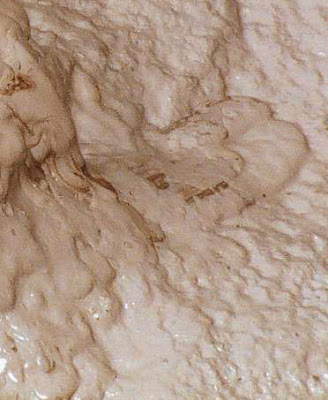
 Start with a new file document. Mine is 650x500px. Just keep the default black and white color for foreground and background by simply pressing D key on your PC.
Add some tonal variation to your blank document by going to menu Filter > Render > Different Clouds
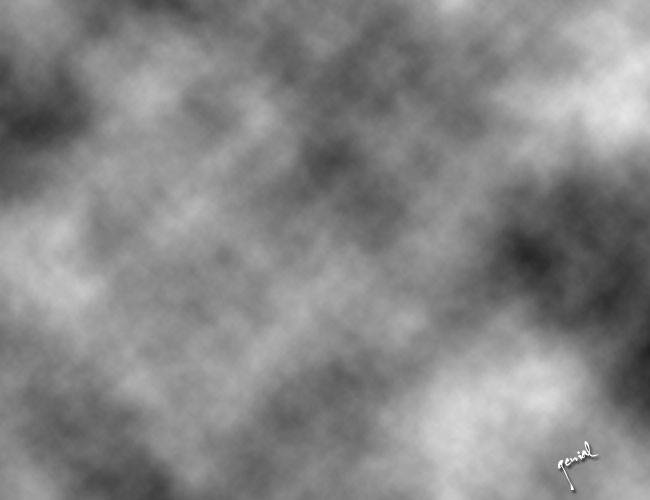
Next, enter the menu Filter > Stylize > Find Edges
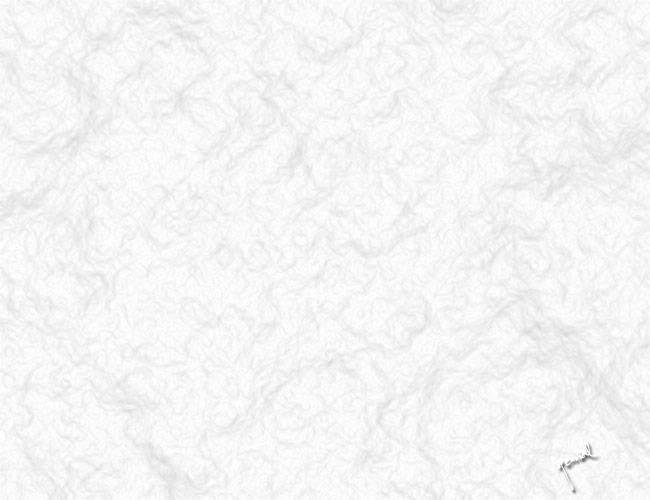
Image > Adjustments > Auto Levels. You can use trl + Shift + L shortcut key to apply this step. Got it?!?!
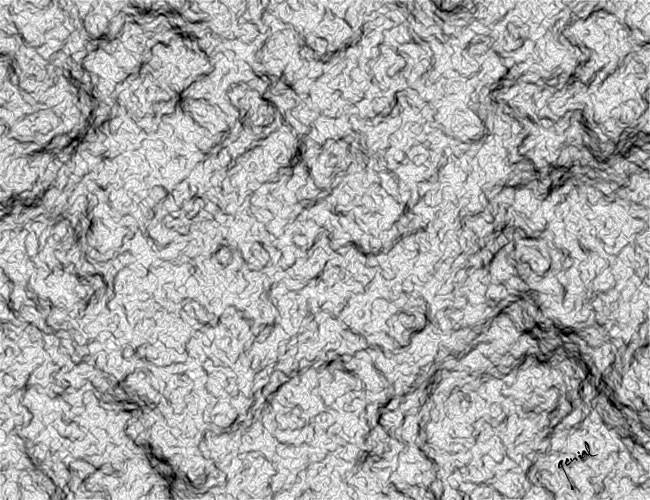
A good looking piece of dried mud you create here, but you need to make your edge of this piece of shit becoming more clear.
Go to menu Filter > Sharpen > Sharpen More. Voila..
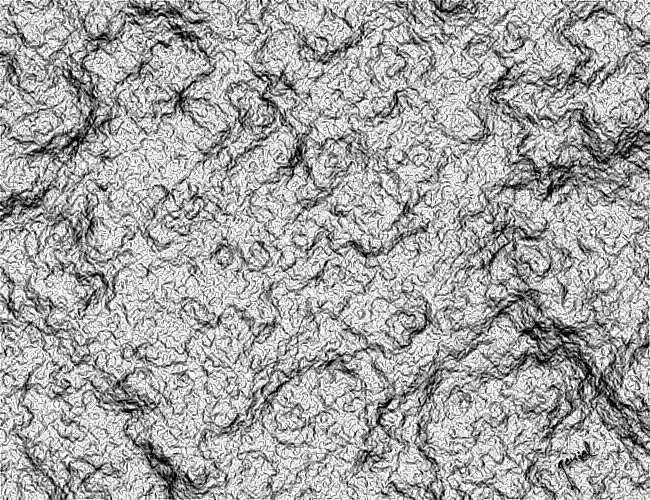
For the final touch, play around with color.
Image > Adjustments > Hue/Saturation
or simply hit your Ctrl + U from your keyboard.
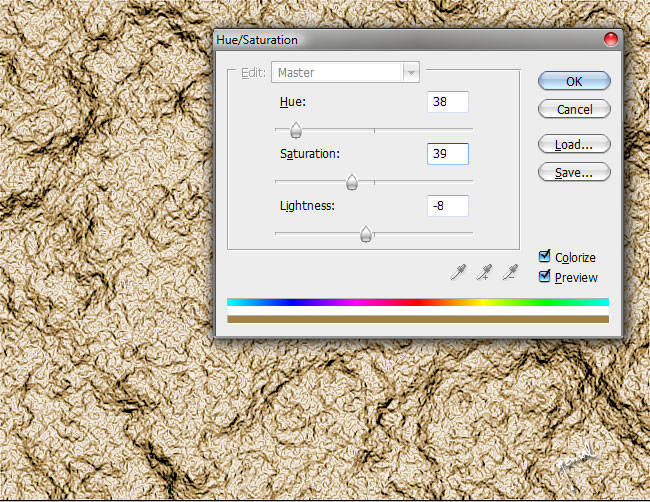
Do not forget to check Colorize little box on the pop-up menu appeared when you call the Hue/Saturation up of your document.
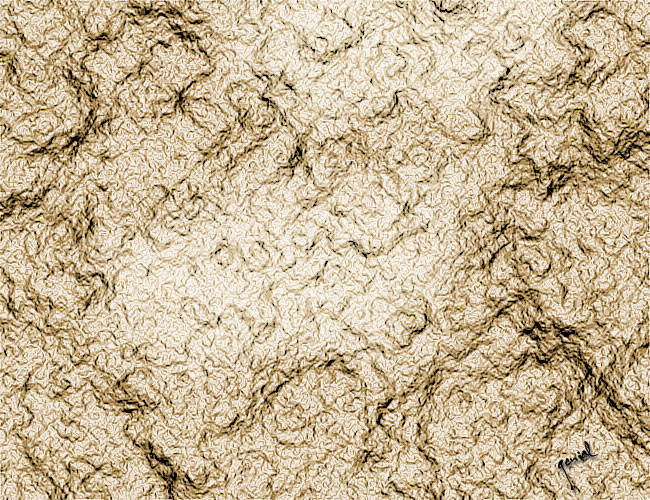
Now.. we'll do some exploration from that final mud texture we made.. Create a new blank Layer. Fill it with White solid color by pressing Ctrl + Backspace. Set the Blend Mode to Soft Light. Next.. Hit E Key to call the Eraser Tool. Erase the part you don't need. Guys... it's an optional step, you can leave this part and directly save your work without doing this one.
It's a wrap!!!
See the tutorial in Indonesia here on Cara membuat Tekstur Lumpur


i'm outta here
ReplyDeletewaw... fantastic..
ReplyDeletejumpa kembali akang... lama gak kunjung..
Jadi ingin coba buat lumpur, panduannya sip!
ReplyDeletesalam friend
ReplyDeletethank for information
I know create mud texture,coz read your article.
wah mantep tutornya. Thanks.
ReplyDeletePingin nyoba ilmunya tadi belum punya media...
ReplyDeleteTapi thanks ya Infonya./.
i miss you came to my blogs
terimakasii buat kehadiran akang2 ini di sini... maaf saiia gag bisa berlama-lama seperti dulu... sekarang saiia pamit duluan iia akang2 ku tercinta sekalian :)
ReplyDeleteyang pasti mantap Mas. Saya bener2 terpukau dengan kreasinya.
ReplyDeleteSalam :)
ooo gitu yah. daku need guru privateeeee
ReplyDeletedaku bisa pake photoshop sih, dikit2 doang hehe asal bisa nge resize doang @_@
ReplyDeleteto find my mate :) what about you?
ReplyDeleteMantap..! lanjutkan! he.he..
ReplyDeletebisa jadi tekstur jalanan mobil offroad???
ReplyDeletekereeen haha tapi ngeliatnya merinding hoho, ehm boleh lah ajarin saya gitar om! wkkwkw
ReplyDeleteits to beautiful as mud hahahaha like as usual, MANTHAPSSSS!!!!!
ReplyDeletelangkah optionalnya kurang pas mas :(
ReplyDeleteajarin lagi dong mas yg lainnya :p
ReplyDeletewwwoooiiii sob... lama tak jumpa.
ReplyDeletetutorialnya tambah manttab ajaa... :D
gmana kbarnya?
wew keren juga :D saya juga suka otak atik photoshop... tapi belom level begini kayaknya mah :) ...
ReplyDeletebtw rumah batik saya masih kosong... baru nyiapin produknya hehe... ntar berkunjung lagi yahh...
makasiii...
bagus siy, tp gambarnya ntu jangan gede2 disini, puyeng ngeliatnya aq..... hehehehe
ReplyDeletevisiting you here with this lovely smile :)
ReplyDeleteblm ada koreksi atas komen saya yah?!?!?
ReplyDeleteemangnya maud i gimanain kang?!??!?
ReplyDelete